
Two ways to export a single band raster in NaviModel
Export the whole surface
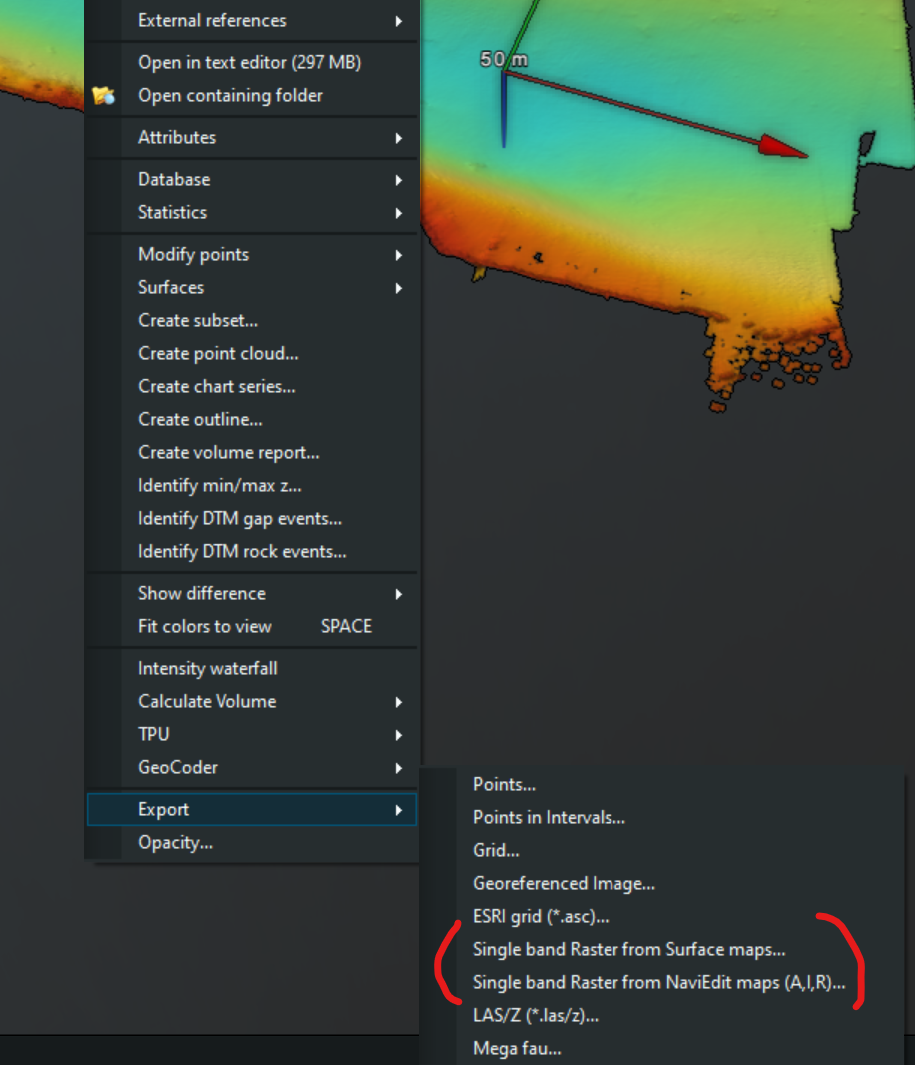
Right-click on the surface in the project tree or in the main window and then select Export from the list. From Export, choose the raster export desired.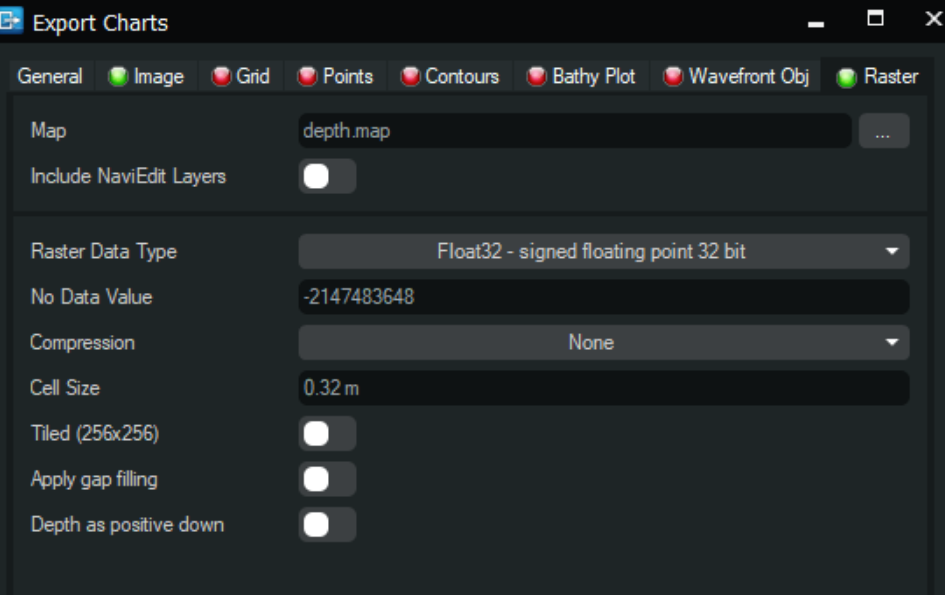
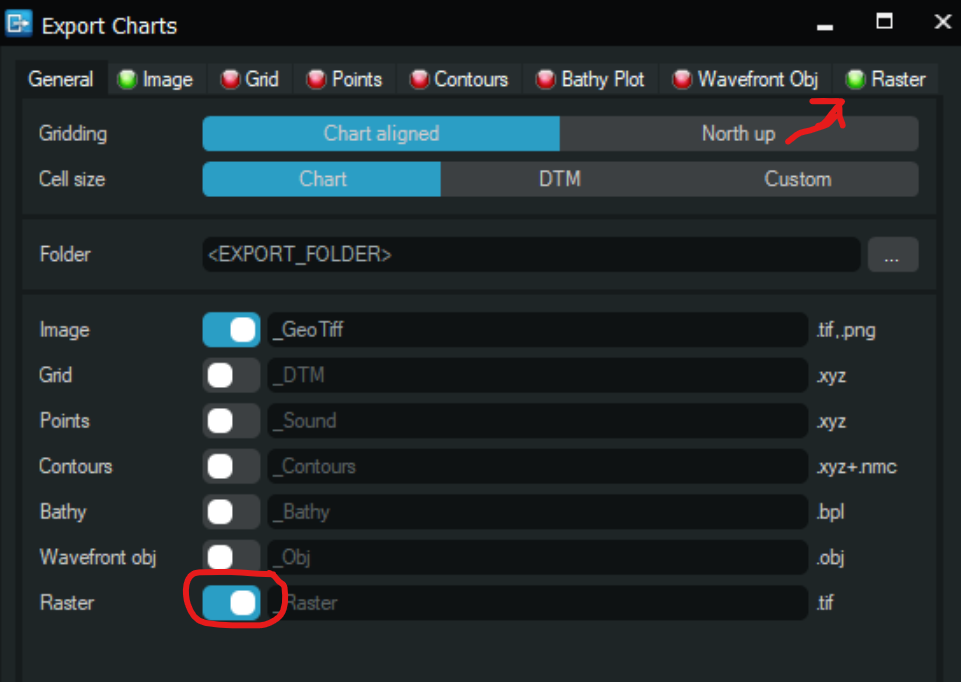
Export The whole chart (likely part of a surface):
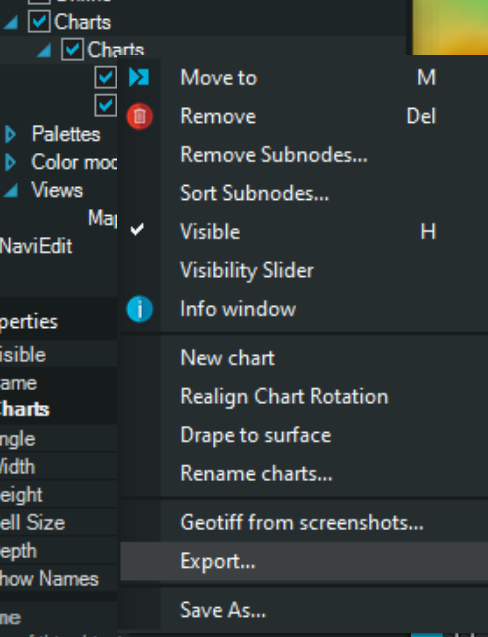
Once a chart is made, right click on it in the tree and choose to export.
If there is a lot of exporting going on this can be automated through the Workflow Manager.